Take Rial & Toman payments on your EmDash site.
A Zarinpal gateway plugin for EmDash CMS on Cloudflare Workers and Node.js. Payment links, a server-side checkout API, verified callbacks, automatic reconciliation and an admin ledger, all in one sandboxed plugin.
Built for real money
Every rule below came from testing against Zarinpal's sandbox and a five-round code review.
Payment links
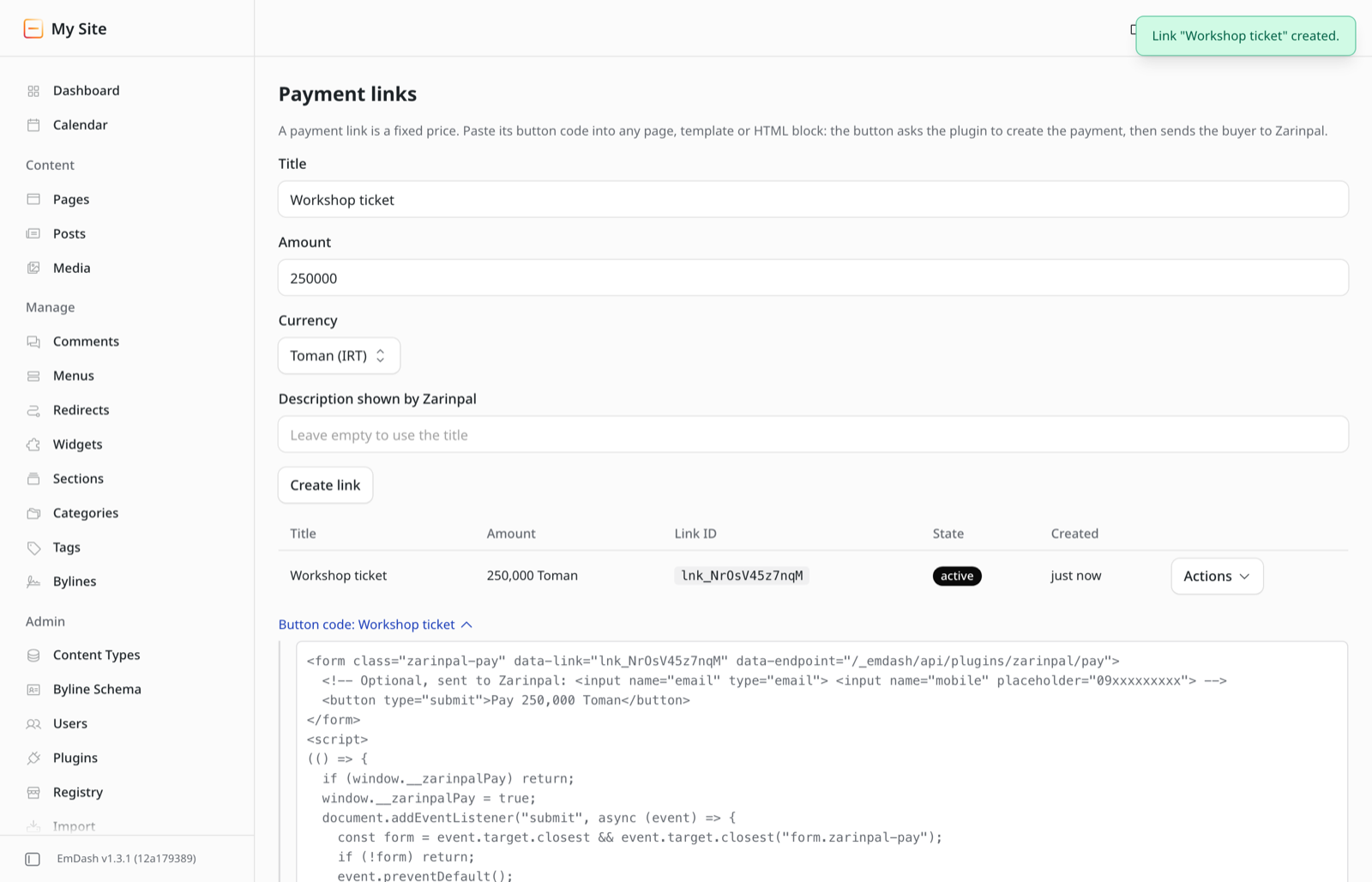
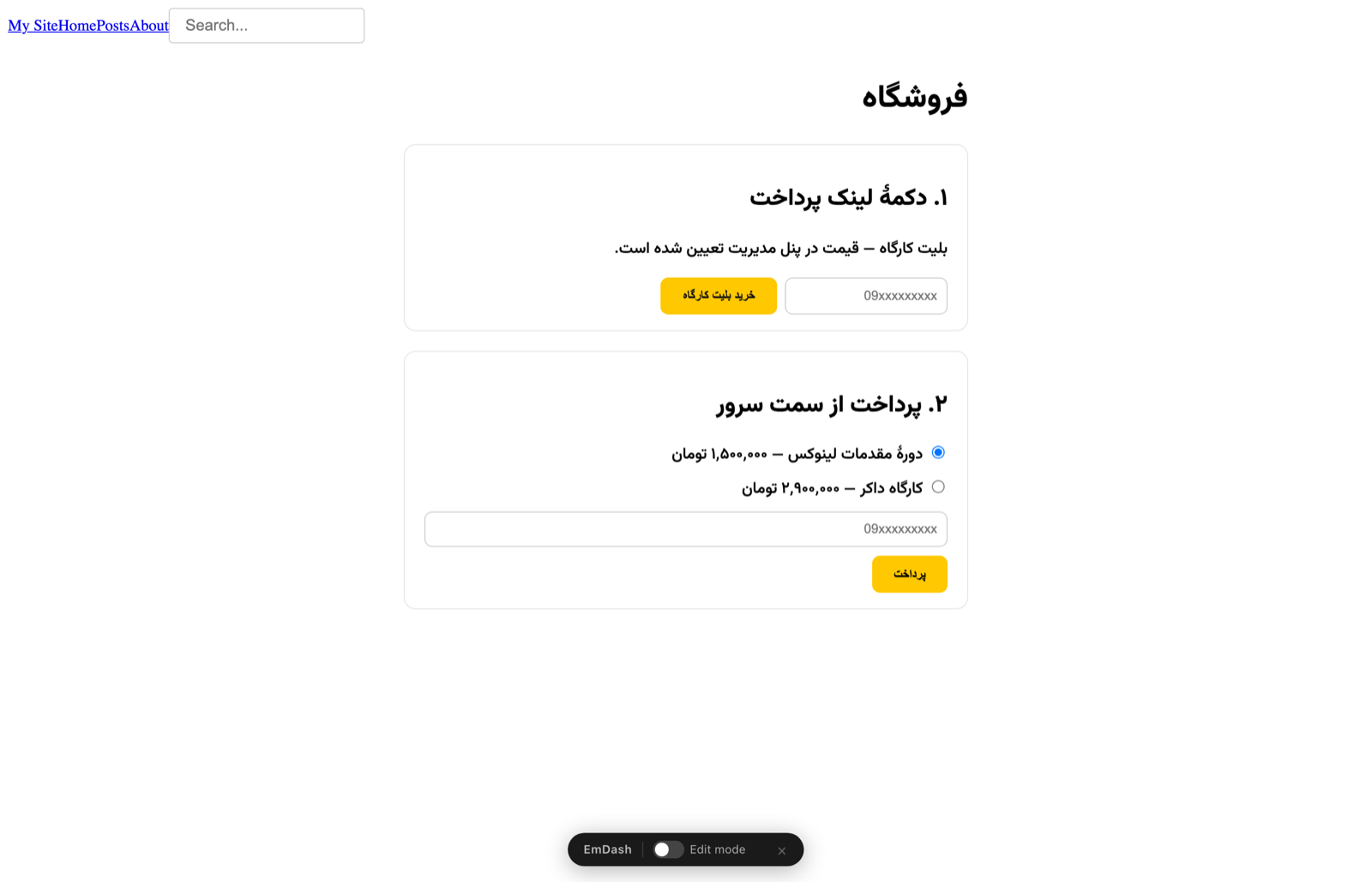
Set a price in the admin and paste a button on any page. No server code needed.
Server checkout API
Your code sets the price and order ID. Idempotency keys mean a retry never creates a second payment.
Verified, never assumed
A payment is paid only when Zarinpal's verify call says so. Status=OK in the URL is never trusted.
Automatic reconciliation
Buyers who pay and close the tab are found in the background. Outages never make the plugin give up.
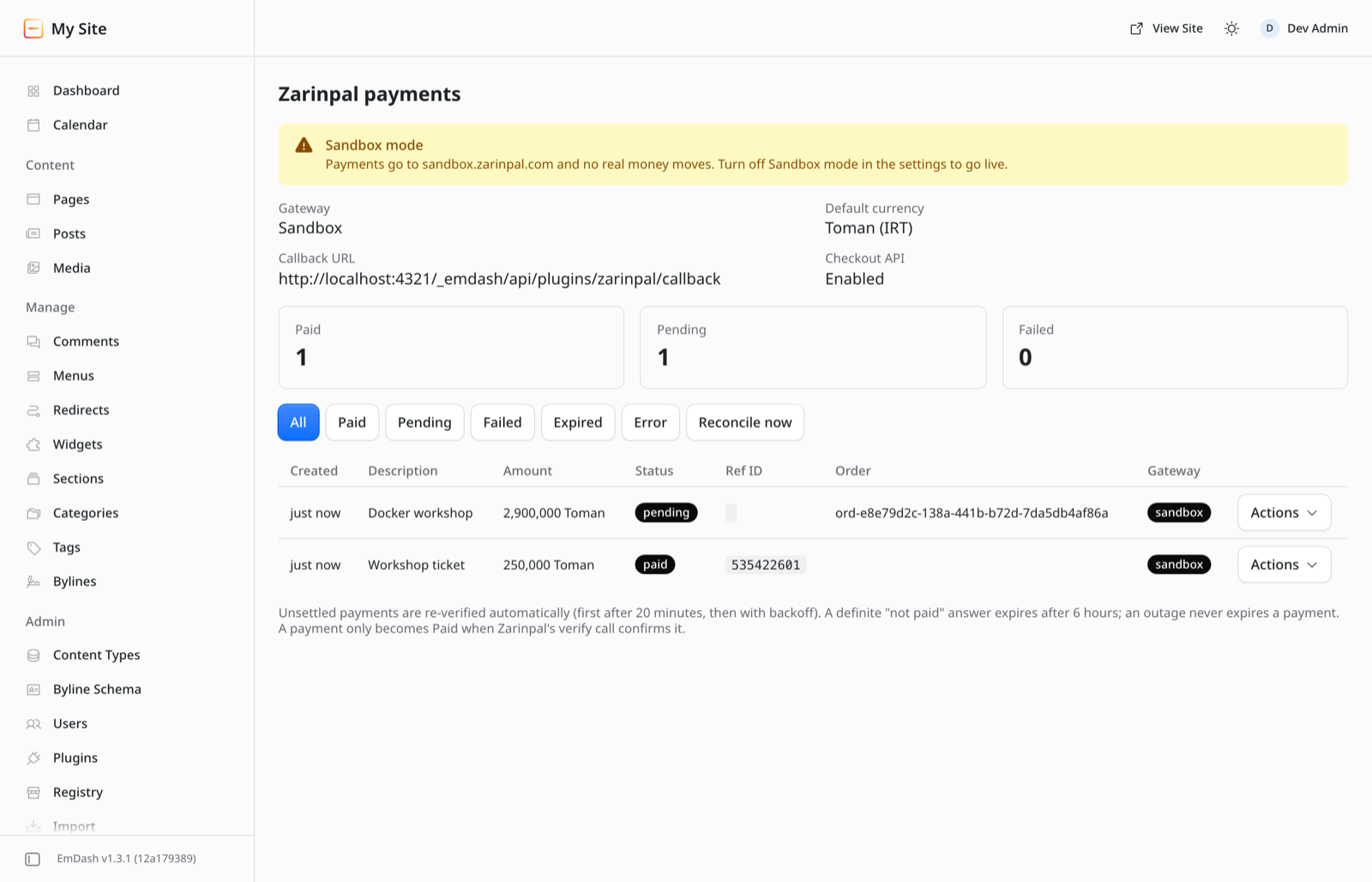
Admin ledger
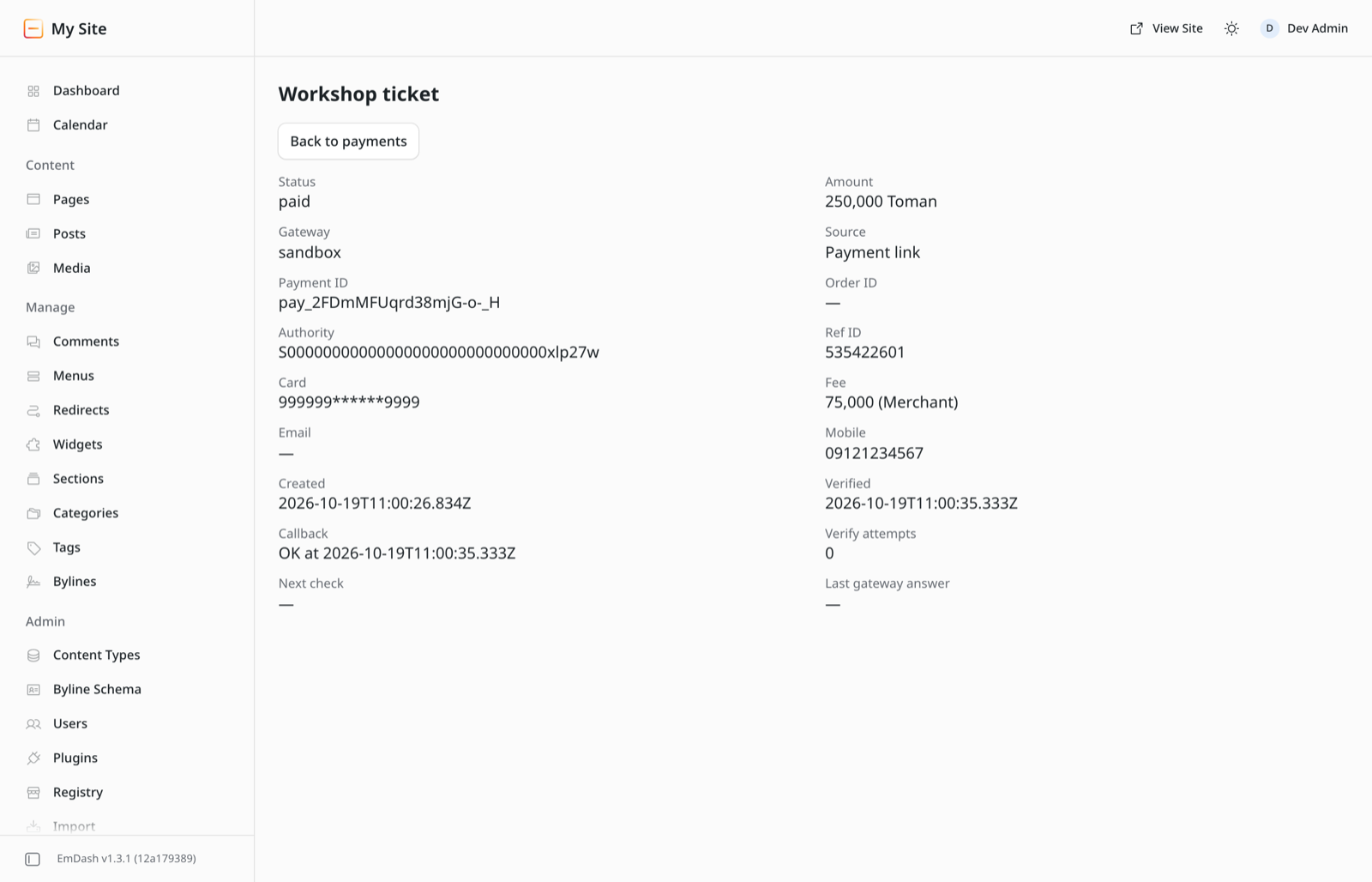
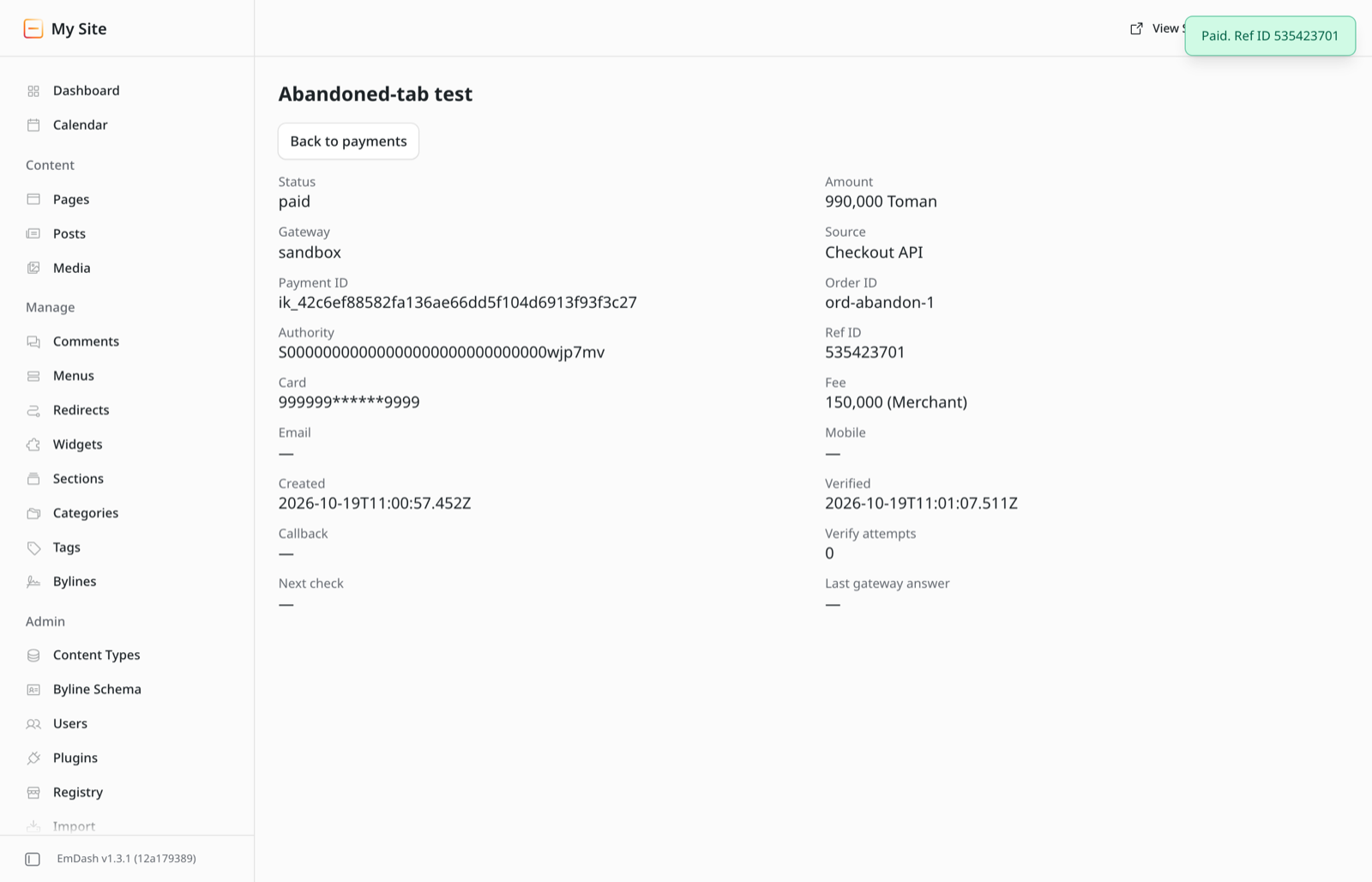
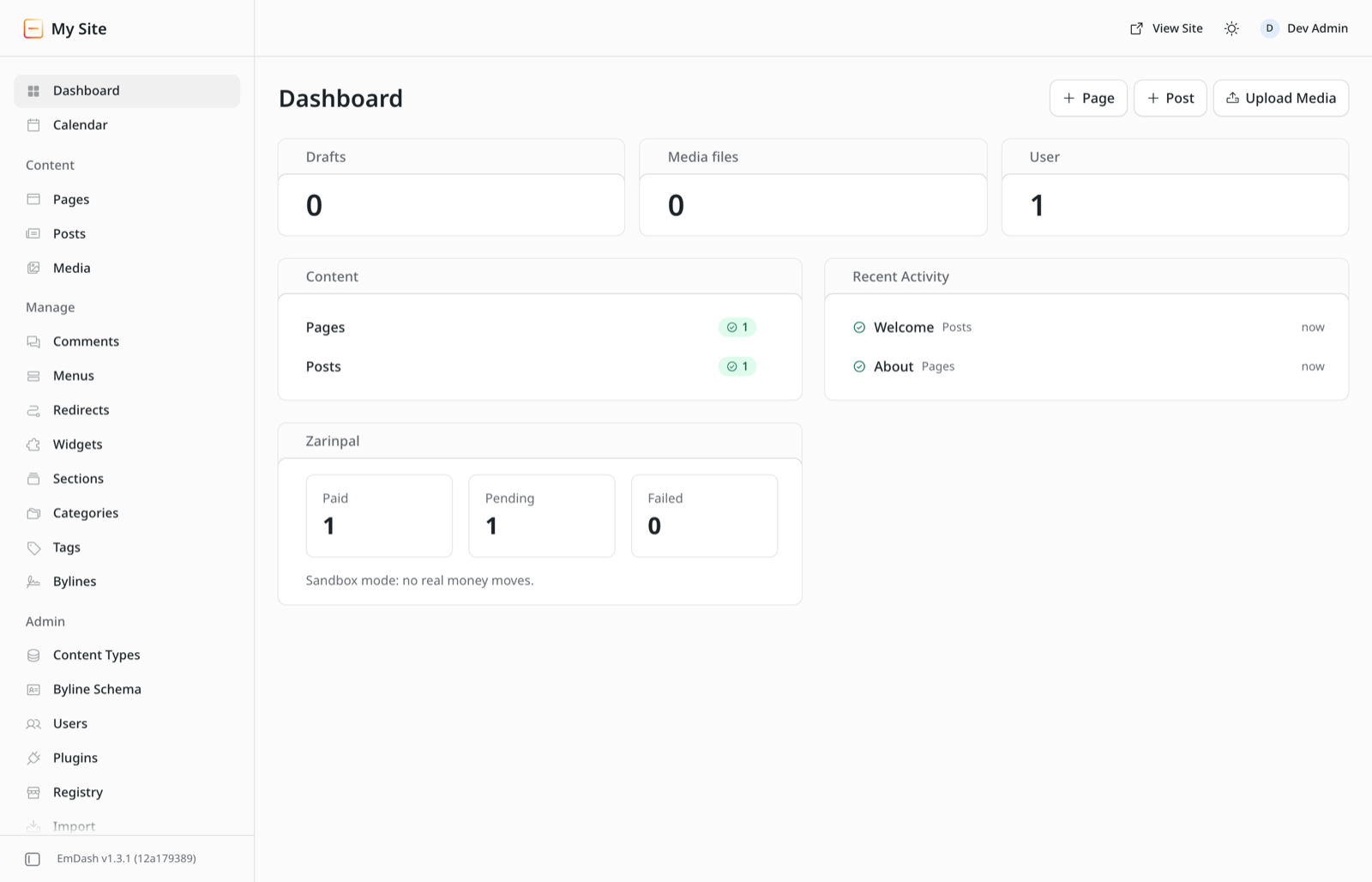
Filters, reference IDs, card masks, fees, a details view, Verify now and a dashboard widget.
Least privilege
In EmDash's sandbox its only permission is calling payment.zarinpal.com and sandbox.zarinpal.com. No access to content, media or users.
How a payment works
The plugin stores the payment before it talks to Zarinpal, and verifies with the amount and currency it stored.
Buyer clicks Pay
The plugin records the payment and asks Zarinpal for an authority.
Buyer pays at the bank
On Zarinpal's page, in Rial or Toman.
Callback verifies
Only a 100 or 101 from verify marks it paid.
Your site fulfils
Server code asks the plugin until the payment is settled, checks order, amount, currency and environment, and fulfils exactly once.
Install
For a site made from an EmDash *-cloudflare template. The README also covers Node.js and every setting.
1. Add the package
pnpm add github:taleghanidev/emdash-plugin-zarinpal#v0.1.1
2. Register it in astro.config.mjs
import { d1, r2, sandbox } from "@emdash-cms/cloudflare";
import zarinpal from "emdash-plugin-zarinpal";

emdash({
  database: d1({ binding: "DB" }),
  storage: r2({ binding: "MEDIA" }),
  // Workers Paid: isolated sandbox (recommended).
  // Also needs the LOADER binding and PluginBridge export.
  sandboxRunner: sandbox(),
  sandboxed: [zarinpal],
  // Workers Free: replace the two lines above with
  // plugins: [zarinpal],
})
The sandbox needs a worker_loaders binding named LOADER and PluginBridge exported from src/worker.ts. See sandbox setup.
3. Set the secrets and copy the return pages
npx emdash secrets generate
npx wrangler secret put EMDASH_ENCRYPTION_KEY
npx wrangler secret put ZARINPAL_API_KEY   # only for server checkout
cp -R node_modules/emdash-plugin-zarinpal/examples/astro/src/* src/
4. Deploy and configure
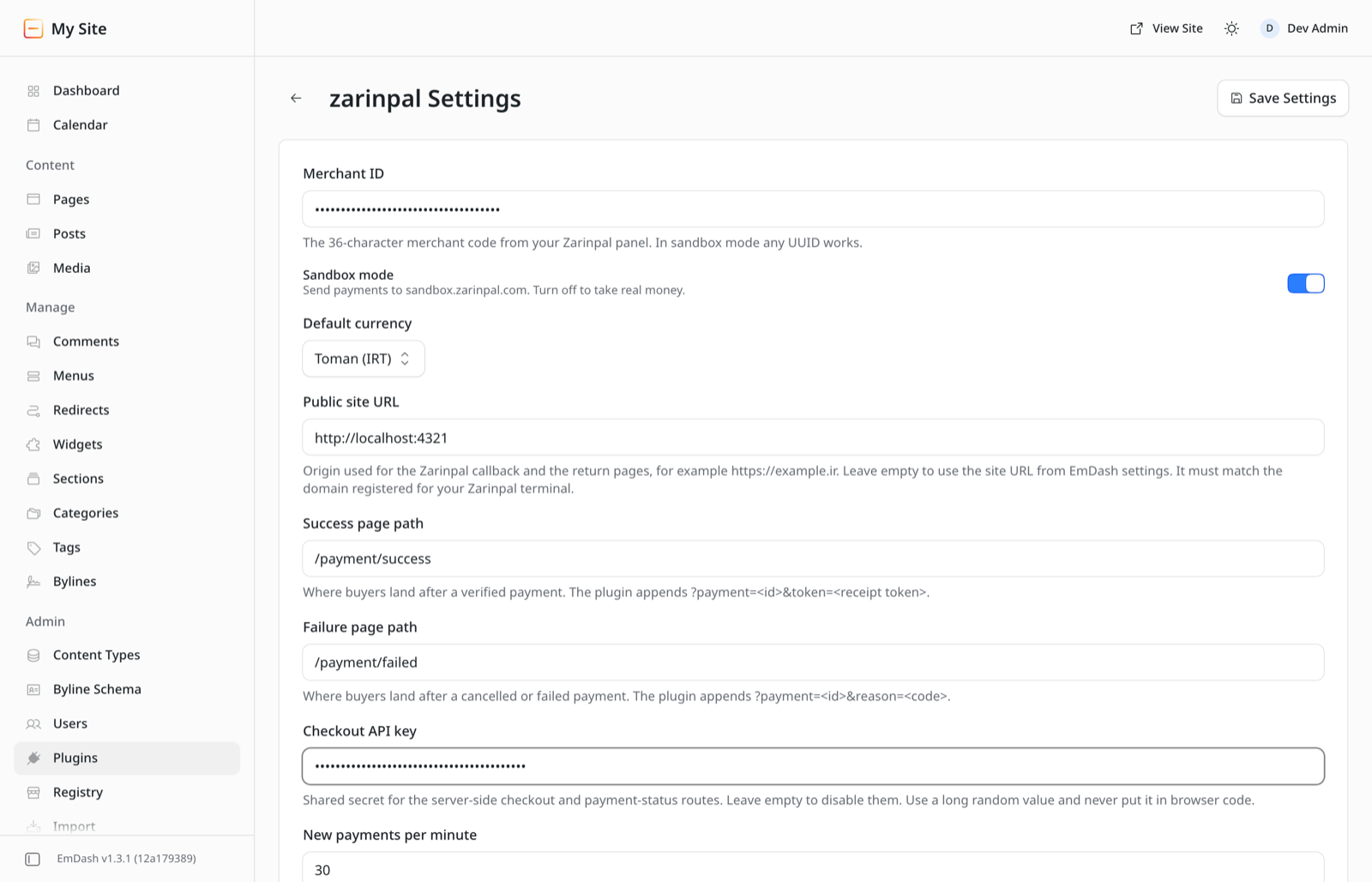
Run pnpm run deploy, open Plugins → zarinpal → settings, enter your merchant ID (any UUID in sandbox mode) and your site URL. The domain must match the one registered for your Zarinpal terminal.
Which mode should I use on Cloudflare?
| Sandboxed | In-process | |
|---|---|---|
| Cloudflare plan | Workers Paid | Free or Paid |
| Config | sandboxed: [zarinpal] | plugins: [zarinpal] |
| Isolation | Own Dynamic Worker, can reach only Zarinpal | None: runs inside your site's Worker with its full authority, including secrets. Install only if you trust the code. |
| Limits | 10 subrequests, 50 ms CPU per plugin call | Your Worker's limits, shared with EmDash (Free: 10 ms CPU per request) |
| Tested | Unit tests through the Cloudflare sandbox runner; browser runs on Node's workerd sandbox | Loads, admin renders and routes answer on the Cloudflare template; no deployed payment yet |
| Why | EmDash runs sandboxed plugins as Cloudflare Dynamic Workers, which are only on the Workers Paid plan. | |
Screens
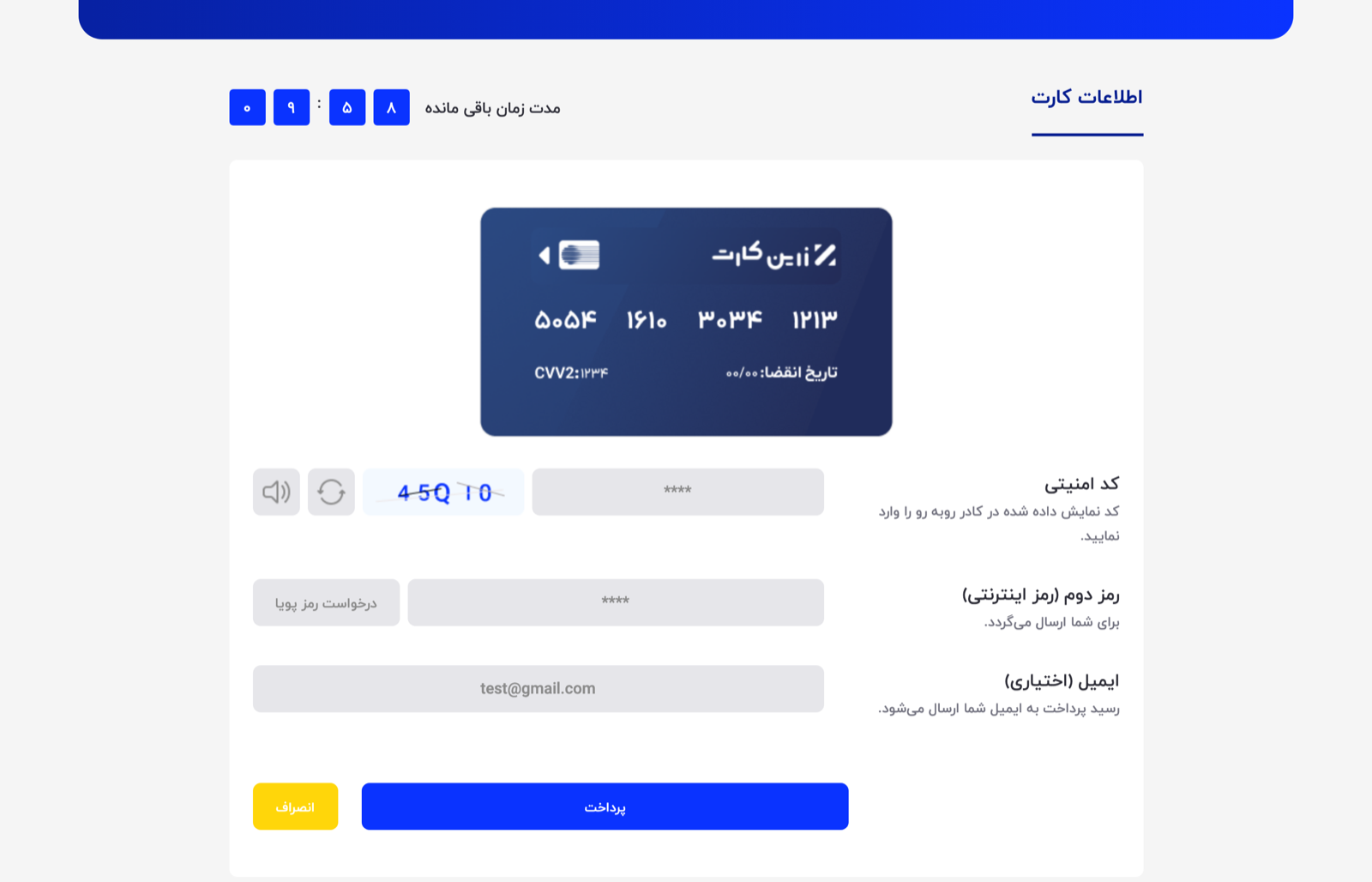
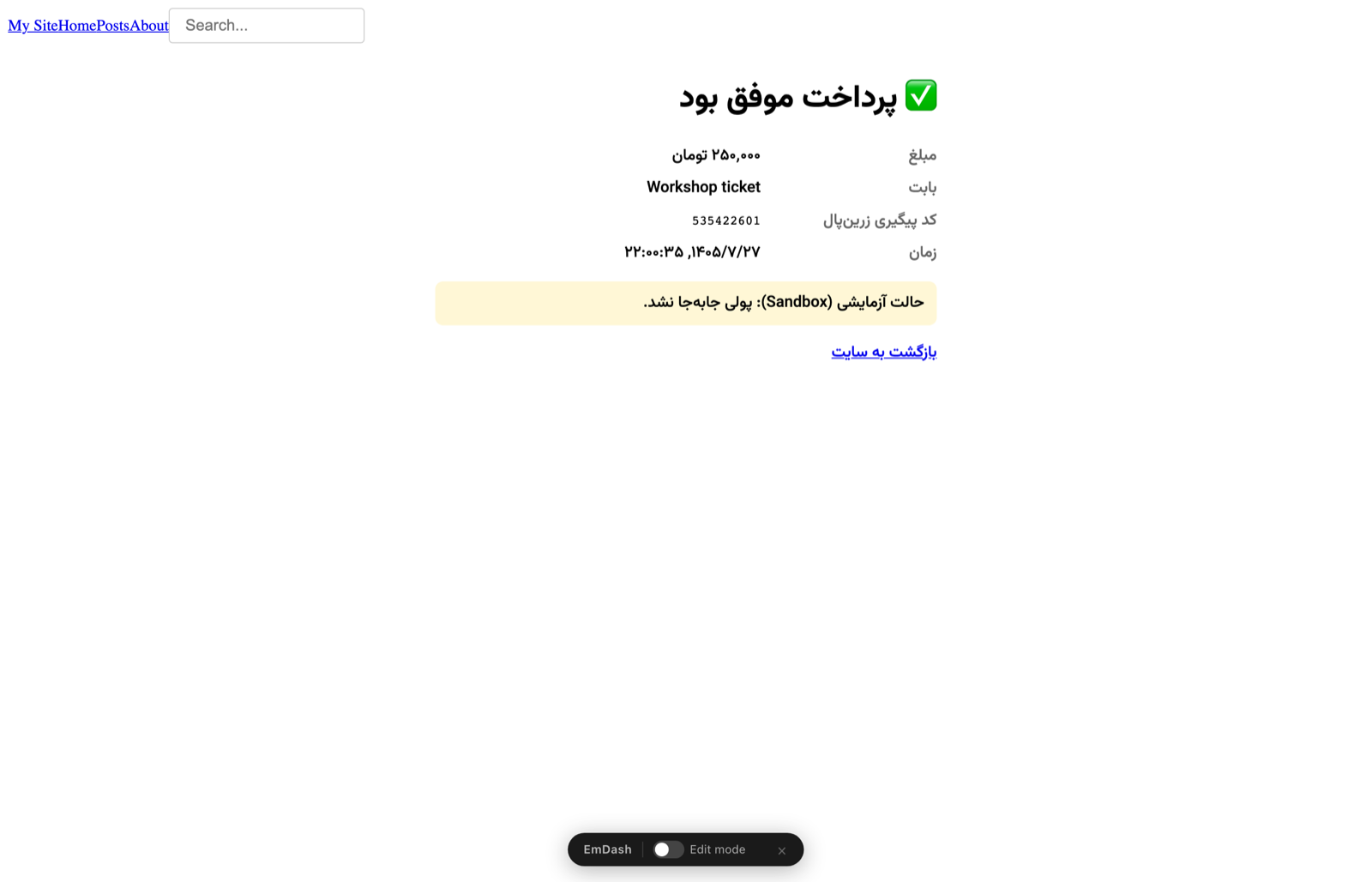
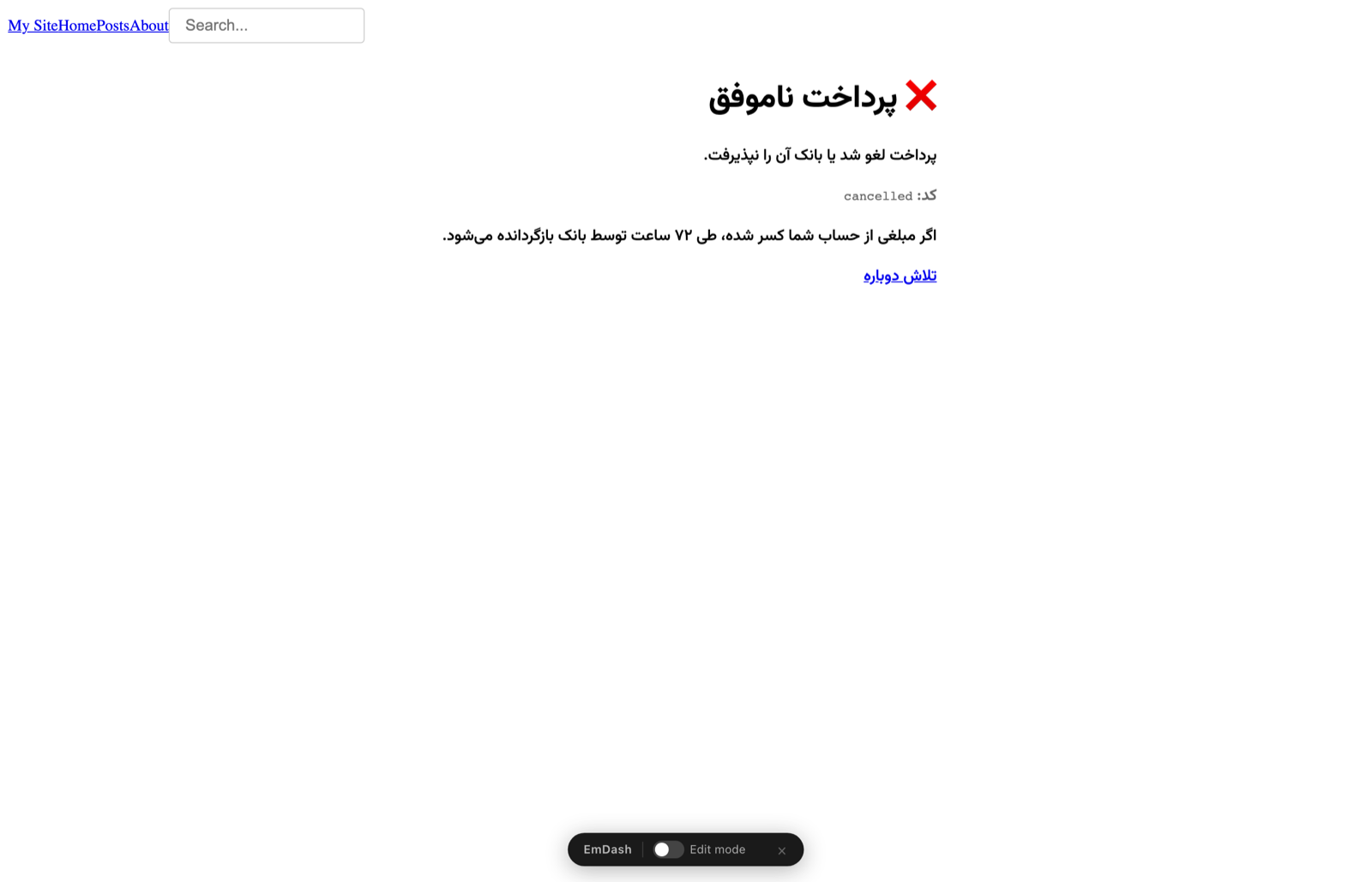
Captured by the Playwright end-to-end run against sandbox.zarinpal.com. Click to enlarge.
Tested, not just written
Run on 19 October 2026 with EmDash 1.3.1.
راهنمای فارسی
افزونهٔ درگاه زرینپال برای سایتهای EmDash روی Cloudflare Workers یا Node.js.
لینک پرداخت
مبلغ را در پنل مدیریت تعیین کنید و دکمهٔ پرداخت را در هر صفحه بگذارید.
پرداخت از سمت سرور
کد سایت شما مبلغ و شمارهٔ سفارش را تعیین میکند؛ تکرار درخواست، پرداخت دوم نمیسازد.
تأیید واقعی
پرداخت فقط وقتی «پرداختشده» است که متد verify زرینپال آن را تأیید کند.
بررسی خودکار
اگر خریدار پرداخت کند و به سایت برنگردد، افزونه پرداخت را پیدا میکند.
نصب
pnpm add github:taleghanidev/emdash-plugin-zarinpal#v0.1.1
- در
astro.config.mjsافزونه را باsandboxed: [zarinpal](پلن پولی Workers، ایزوله) یاplugins: [zarinpal](پلن رایگان، بدون ایزولهسازی؛ فقط اگر به کد اعتماد دارید) ثبت کنید. - کلید رمزنگاری را با
npx emdash secrets generateبسازید و باwrangler secret putذخیره کنید. - صفحههای نمونهٔ پوشهٔ
examples/astroرا در سایت کپی کنید. - در تنظیمات افزونه مرچنتکد و نشانی سایت را وارد کنید؛ دامنه باید با دامنهٔ ثبتشده در زرینپال یکی باشد.